
Microsoft Outage Compensation: How to Claim Up to 100% Credit
Microsoft outage affected businesses on November 12. Learn who can claim up to 100% service credit, eligibility rules, claim steps and the reported deadline.
Technology Desk | Primetime India
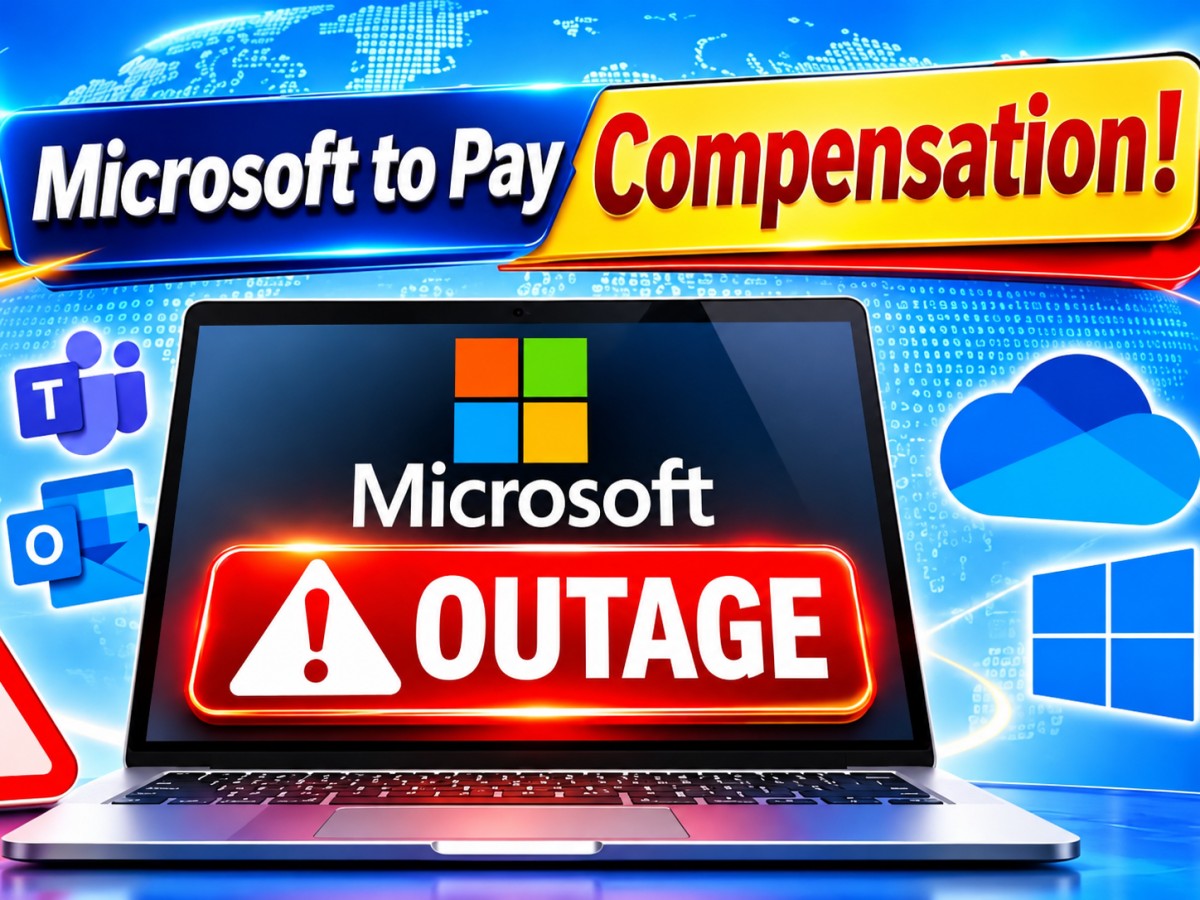
Microsoft services are back online following a widespread disruption that began on November 12, leaving users and businesses struggling to access essential digital tools for several hours.
The outage affected organisations that depend on Microsoft's cloud-based services for daily operations, including communication and workplace productivity. Microsoft has apologised for the disruption and said its services have resumed normal operations.
While the outage may have caused inconvenience to millions of users worldwide, certain business customers could be eligible for compensation under Microsoft's Service Level Agreement (SLA).
However, the compensation is generally offered as service credits rather than a direct cash payment.
Who Can Claim Compensation for the Microsoft Outage?
According to a report by India Today, Microsoft provides service availability commitments to eligible business customers through its Service Level Agreements.
For certain Microsoft 365 services, including Exchange Online and Outlook-related services, the company offers a 99.9% uptime commitment under applicable SLA terms.
If service availability falls below the agreed threshold, qualifying business subscribers may be entitled to request a service credit.
The compensation is not automatically available to everyone affected by an outage. Eligibility depends on the subscription, the specific service involved and the terms of the applicable agreement.
Microsoft May Offer 25%, 50% or 100% Service Credit
Depending on the extent of the service disruption and the applicable SLA, eligible customers may qualify for service credits of 25%, 50% or up to 100%.
These credits are generally applied against future subscription charges rather than paid directly into a customer's bank account.
Microsoft calculates service availability using measures such as affected user-minutes, which take into account the number of users impacted and the duration of the disruption.
Importantly, service credits are assessed separately for individual services.
For example, if an organisation experienced an Outlook-related outage, it would not necessarily qualify for compensation covering its entire Microsoft 365 subscription.
Are Microsoft 365 Personal and Family Users Eligible?
The SLA-based compensation process primarily applies to qualifying business and enterprise subscriptions.
Customers using services such as Microsoft 365 Business, Exchange Online or Teams Premium may be eligible, depending on their subscription agreements and the affected services.
Individual subscribers using Microsoft 365 Personal or Family plans may not be covered by the same business SLA provisions.
However, personal users can still contact Microsoft to request a refund or other assistance. Approval would depend on the company's applicable policies and assessment of the request.
How to Claim Microsoft Outage Compensation
Businesses that purchased their subscriptions directly from Microsoft can begin the process through the Microsoft 365 Admin Center.
Step 1: Sign In to Microsoft 365 Admin Center
Open the Microsoft 365 Admin Center using your organisation's administrator account.
Navigate to the Billing section and select Bills & Payments to review subscription and payment information.
Step 2: Check the Affected Services
Identify which Microsoft services were unavailable during the November 12 disruption.
Gather details about the outage duration, affected users and the impact on your organisation.
Step 3: Contact Microsoft Support
Open the Help & Support section in the Admin Center and follow the available options to contact Microsoft's support team.
Depending on the interface and support options available to your account, you may be able to submit the request through email or another support channel.
Step 4: Submit Outage Details
When requesting compensation, provide relevant information, including:
-
The affected Microsoft service or services
-
The date and approximate duration of the outage
-
The number of users affected
-
The geographical locations of impacted users
-
Relevant service incident identification numbers
The incident IDs mentioned in the report include:
Exchange Online: EX1550543
Outlook: MO1550821
Microsoft Teams: TM1550488
Customers should confirm the incident identifiers against the information available in their organisation's Microsoft service health dashboard.
Step 5: Wait for Microsoft's Assessment
After the support request is submitted, Microsoft will generate a case number.
Receiving a case number does not mean the compensation has been approved. Microsoft will review the claim and determine whether the customer qualifies for a service credit under the applicable agreement.
What If You Purchased Microsoft Services Through a Reseller?
Businesses that purchased Microsoft subscriptions through a Cloud Solution Provider (CSP) or another authorised reseller should contact their provider.
In such cases, the reseller may need to submit or coordinate the compensation request on behalf of the customer.
Microsoft Outage Compensation Deadline: December 31, 2026
According to the report, eligible customers affected by the November 12 outage must submit their service credit claims by December 31, 2026.
Businesses planning to seek compensation should review their subscription agreements and complete the necessary process before the reported deadline.
As SLA provisions and claim requirements may vary between services, customers should confirm the applicable deadline and eligibility criteria directly with Microsoft.
What Microsoft Customers Should Remember
Although Microsoft services have been restored, affected businesses may still have an opportunity to seek compensation for the disruption.
The key point is that service credits are not
What's Your Reaction?
 Like
0
 Dislike
0
 Love
0
 Funny
0
 Wow
0
 Sad
0
 Angry
0

Ajay Gupta is a Senior Digital Content Producer at Prime Time India (PTI) Digital. He brings 19 years of experience, spanning both field reporting and desk-based editorial work. He began his journalistic career in 2006 with the Hindi newspaper Jansansar. He possesses extensive experience covering politics and crime, and has also worked on the central desk at Dainik Jagran, Nai Dunia, Haribhoomi. Furthermore, he has covered numerous elections from the ground. For the past six years, he has been working on the digital news desk at PTI (Prime Time India). He also has a strong grasp of Google Trends and podcasts.














Comments (0)